Frame

The <Frame> component wraps images and videos with consistent border styling, optional caption, and hint text. Uses semantic <figure> / <figcaption> HTML.

Basic image

Code

import { Frame } from '@theme'

<Frame>
  <img src="/images/xkcd-git.png" alt="XKCD: Git" />
</Frame>

Output

XKCD: Git

With caption

Code

<Frame caption="XKCD #303 — 'Are you stealing those LCDs?' 'Yeah, but I'm doing it while my code compiles.'">
  <img src="/images/xkcd-compiling.png" alt="XKCD: Compiling" />
</Frame>

Output

XKCD: Compiling
XKCD #303 — 'Are you stealing those LCDs?' 'Yeah, but I'm doing it while my code compiles.'

With hint and caption

Code

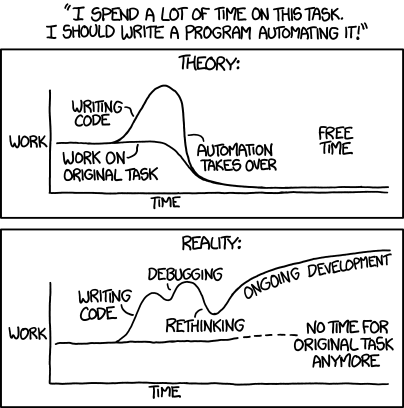
<Frame hint="xkcd.com/1319" caption="The long-term time savings of automation.">
  <img src="/images/xkcd-automation.png" alt="XKCD: Automation" />
</Frame>

Output

xkcd.com/1319
XKCD: Automation
The long-term time savings of automation.

Video

When a <video> child has autoPlay, the Frame automatically injects playsInline, loop, and muted attributes.

Code

<Frame caption="Big Buck Bunny — Blender Foundation (CC0)">
  <video autoPlay src="/images/bunny.mp4" />
</Frame>

Output

Big Buck Bunny — Blender Foundation (CC0)

Props

PropTypeRequiredDefaultDescription
captionstringnoCaption text displayed below the content
hintstringnoHint text displayed above the content
childrenReactNodeyesImage, video, or other visual content to frame